
Community Alert
The application for local territory safety
A rapid alert system that allows municipalities to communicate promptly with citizens in case of emergencies
What is Community Alert?
Community Alert is an application conceived, developed, and registered by P-LAB, designed to increase safety in local communities. It allows municipalities to send alerts to citizens for various types of emergencies: floods, fires, gas leaks, and much more.
The primary goal is to provide timely information to prevent dangerous situations and ensure maximum community protection.
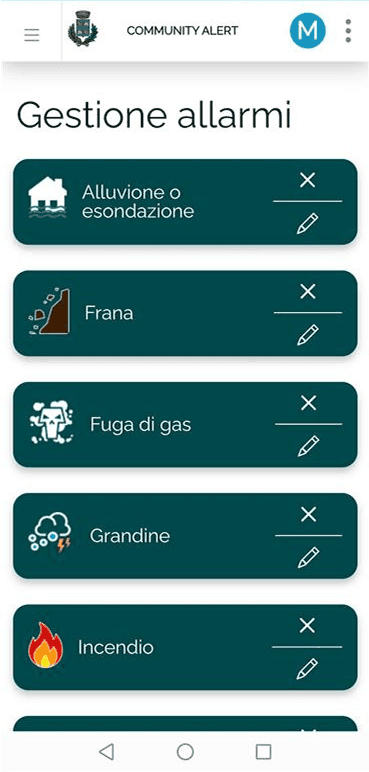
Community Alert is designed to send alerts for all types of emergencies. You can create as many as you like and set one as the default.
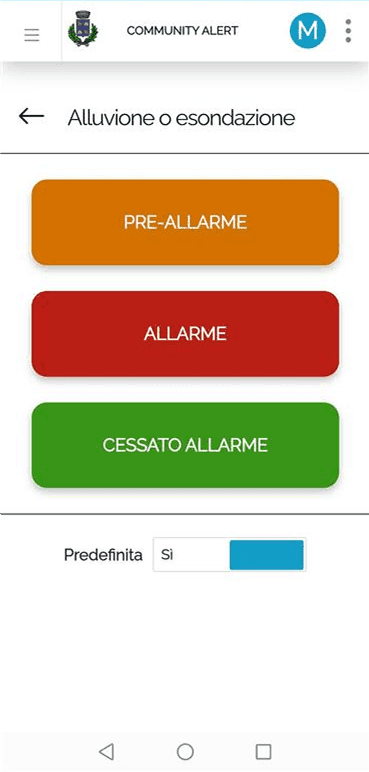
The menu available to security delegates for raising alarms is simple and intuitive, and can be accessed by authenticating with their smartphone's biometric devices for the fastest possible access. Alarm messages can be preset in advance.
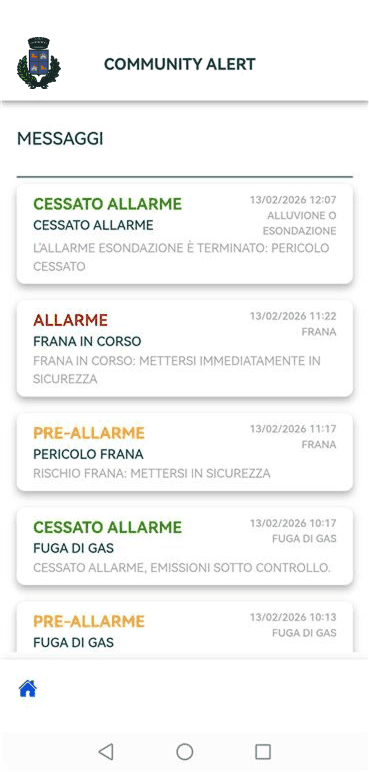
List of the latest alarm messages received, viewable by citizens via the Community Alert App
Main Features

Intuitive
Simple and immediate interface, usable by all citizens

Fast
Instant notifications for timely communication in case of emergency

Privacy
Maximum protection of personal data and respect for privacy

SMS Alert
SMS alerts for those who don't have a smartphone or prefer not to download the app
Alert Types
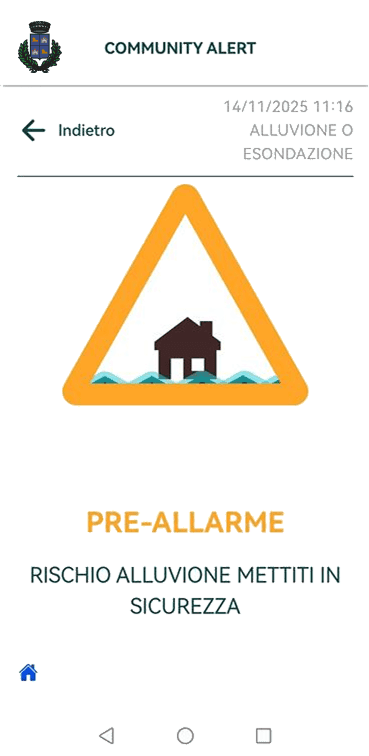
Pre-Alarm
Early warning for potentially dangerous situations. It urges citizens to exercise caution.
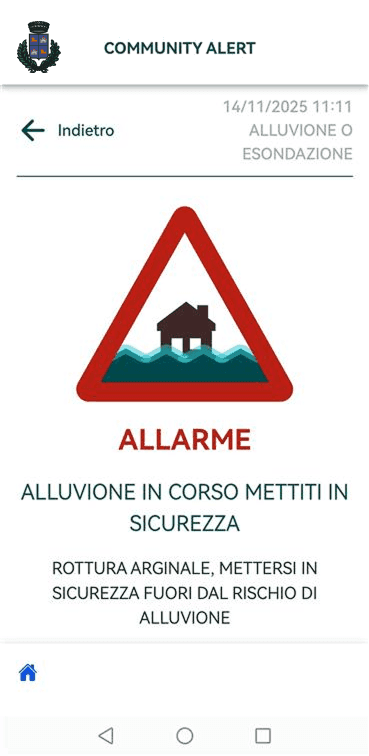
Alarm
Emergency in progress. Contains precise instructions on the actions to be taken immediately.
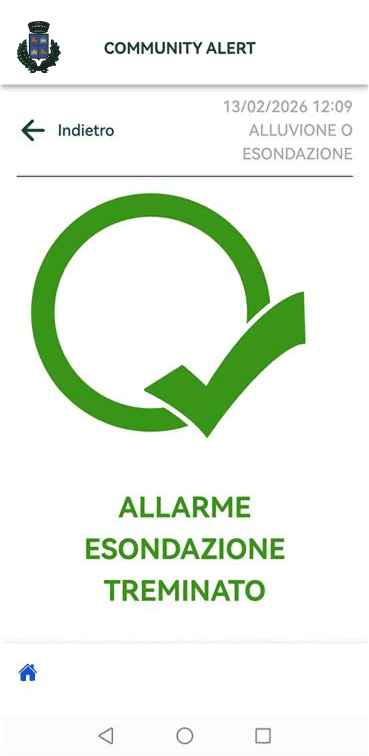
Alarm ceased
End of emergency communication. Informs citizens that the situation has returned to normal.
When the alarm signal arrives and when it doesn't arrive
The alarm signal comes if:
- You have downloaded your Municipality's Community Alert App from the Google or Apple stores.
- You have given the required consents and activated your Municipality's Community Alert app.
- The alarm signal arrives even if your mobile phone is in silent mode.
- The alarm notification arrives even if you are on the phone or using another app.
- The alarm signal stops once the notification is opened.
The alarm signal does not arrive if:
- The Community Alert app has not been downloaded or activated.
- Your phone is turned off or in airplane mode.
- Your phone has no data connection or signal.
- Your app notifications have been manually turned off.